

Running a high-risk online business from outside your home country often means facing strict compliance rules and extra hurdles just to open an account. For European entrepreneurs juggling multiple currencies and cross-border transactions, the process can feel overwhelming without a plan. By focusing on the most important documents, understanding multi-currency options, and keeping your bank’s risk requirements in mind, you can create a smoother path to efficient remote financial operations and avoid hidden delays when launching global accounts.
Table of Contents
- Step 1: Gather Required Business Documents
- Step 2: Complete Online Application for Multi-Currency Accounts
- Step 3: Configure Account Features and Security Settings
- Step 4: Verify Account Activation and Test Transactions
Quick Summary
| Key Point | Explanation |
|---|---|
| 1. Gather Required Documents | Compile articles of incorporation, licenses, ownership info, financial statements, and business descriptions before applying. |
| 2. Complete the Online Application | Submit the organized documents through an online portal to establish your multi-currency account. |
| 3. Configure Security Settings | Set strong passwords, enable multi-factor authentication, and establish transaction alerts to protect your account. |
| 4. Verify Account Activation | Ensure your account is fully operational by checking details and conducting test transactions for functionality. |
| 5. Document Test Transactions | Keep records of test transactions including amounts and confirmation numbers for future reference and disputes. |
Step 1: Gather Required Business Documents
Before you can open a business account, you need to compile the documents that prove your business exists and operates legitimately. Banks handling high-risk businesses require comprehensive documentation to assess risk and ensure compliance. This step determines whether your application moves forward or gets delayed.
Start by collecting your articles of incorporation or founding documents. These prove your business is legally established and show the official structure you've chosen. If you operate as a sole proprietor, you may need registration documentation instead. Banks use these to verify that your business has a legitimate legal foundation.
Next, gather your business license and permits. These vary by location and industry, so check your local requirements. High-risk industries may need additional specialized licenses. Include any regulatory approvals relevant to your sector.
You'll also need ownership and shareholder information. Banks require detailed identification of who owns the business and their stakes. For partnerships or corporations, list all owners with their ownership percentages. This transparency is essential for compliance with BSA/AML regulations.
Gather recent financial statements or business accounts. Banks want to see your cash flow, revenue, and financial stability. If you're new, provide projections instead. This demonstrates you can manage funds responsibly.
Prepare a detailed description of your business activities. Explain what you do, how you make money, and where your transactions occur. For high-risk sectors, specificity matters tremendously. Generic descriptions raise red flags.
Include beneficial ownership documentation that identifies the ultimate people controlling the business. Don't just list corporate shareholders; go deeper. Banks need to know who actually makes decisions and benefits from profits.
Consider how you'll manage multiple accounts across different currencies by preparing documentation for each entity if applicable.
Organize all documents in a single folder before submitting—missing paperwork delays approval significantly.
Pro tip: Scan or photograph documents with good lighting and save them as PDFs in chronological order, creating a clear index with file names matching document types for faster processing.
Here is a quick overview of key documents and why each matters in the account application process:
| Document Type | Purpose | Impact on Application |
|---|---|---|
| Articles of Incorporation | Legal business establishment | Proves business is officially formed |
| Business License & Permits | Demonstrates lawful operation | Confirms compliance with regulations |
| Ownership Details | Shows ownership transparency | Satisfies regulatory requirements |
| Financial Statements | Displays financial health | Assesses risk and stability |
| Beneficial Ownership Records | Identifies actual controllers | Ensures anti-money laundering rules |
| Business Activity Description | Clarifies sector and operations | Avoids application red flags |
Step 2: Complete Online Application for Multi-Currency Accounts
Now that your documents are organized, you'll submit them through an online application form to set up your multi-currency account. This step opens the door to managing transactions in multiple currencies without constantly converting funds. The process is straightforward if you have the right information ready.

Start by accessing the application portal and creating your account login. You'll need to provide your business name, registration number, and contact information. This establishes your profile in the system before you dive into detailed submissions.
Next, you'll upload your business identification documents. Include your articles of incorporation, business license, and proof of address. The system typically accepts PDF files, so ensure your scanned documents are clear and readable. Take time to verify each upload completes successfully.
You'll then select your desired currencies from the available options. Most institutions allow you to configure accounts holding up to seven major currencies. Choose the ones you actually use for transactions to avoid maintaining unused wallets. Common choices include EUR, GBP, USD, and other currencies relevant to your European operations.
Complete the compliance and regulatory section. You'll need to confirm beneficial ownership details and answer questions about your business activities. Be specific about transaction volumes and geographic markets. This transparency is critical for institutions managing multi-currency account compliance.
Review your account configuration settings. Confirm your currency selections, payment methods, and access preferences. Most online accounts offer electronic statements and free or low-cost transfers between your currency wallets, which helps you avoid conversion losses during international transactions.
Before hitting submit, double-check that all required fields are completed and supporting documents are attached. Missing information causes delays. Submit the application and note your confirmation number for your records.
Expect account activation within a few business days once your application passes compliance checks.
Pro tip: Select currencies you'll actively use within the next 90 days, as unused wallets may incur maintenance fees or be closed during account reviews.
Step 3: Configure Account Features and Security Settings
With your account now active, you need to lock down security before conducting any transactions. This step protects your business funds from unauthorized access and cyber threats. Taking time to configure these settings properly saves you from potential disasters down the road.
Start by creating a strong, unique password. Use a combination of uppercase letters, lowercase letters, numbers, and special characters. Avoid using business names, birthdates, or predictable patterns. This foundation prevents basic account takeovers.
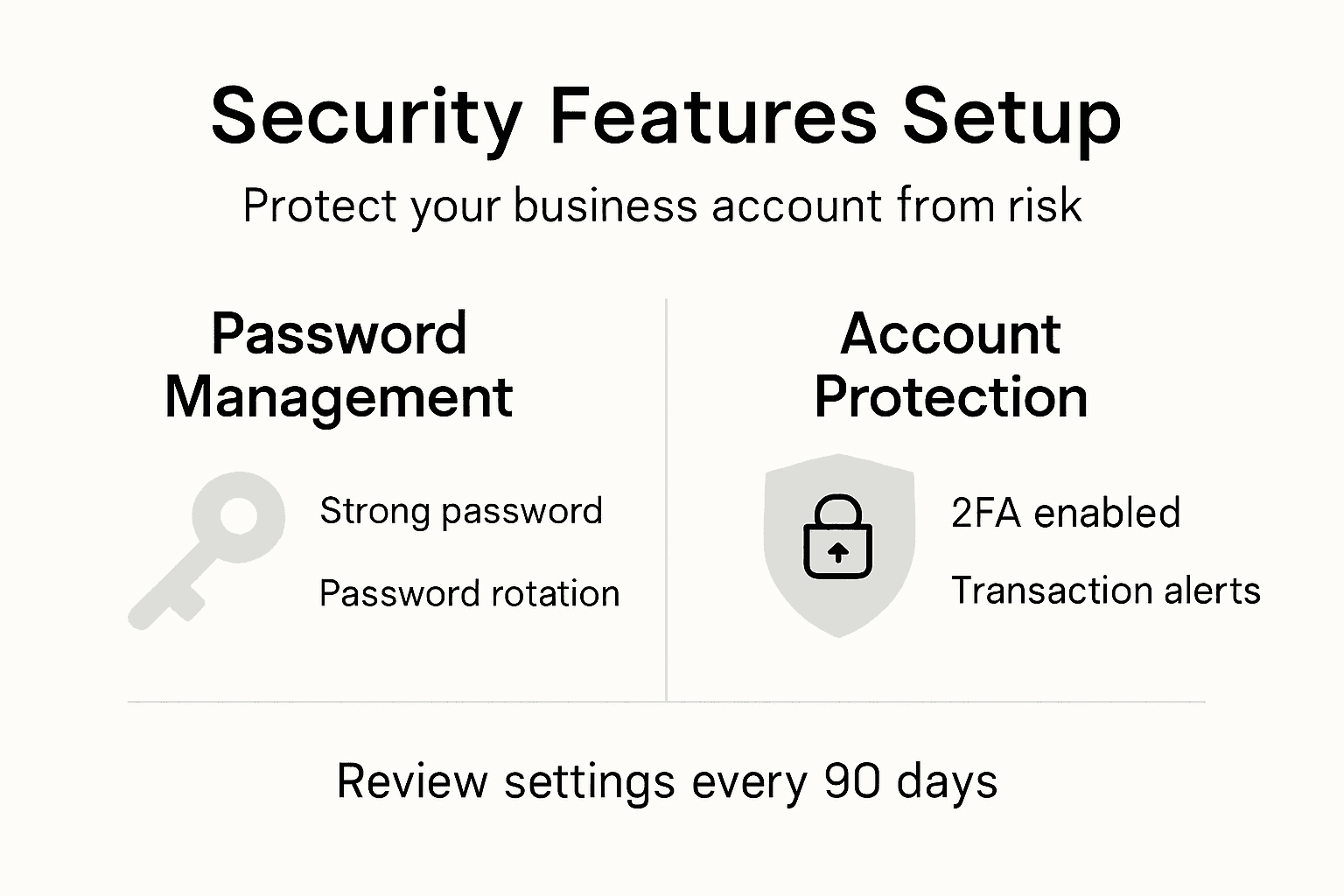
Next, enable multi-factor authentication on your account. Most platforms offer options like SMS codes, authenticator apps, or email verification. Choose the method that works best for your workflow but adds a real security layer. This second step stops attackers even if they obtain your password.
Configure transaction alerts to monitor account activity in real time. Set up notifications for transfers above certain amounts, new payees added, or login attempts from unfamiliar locations. You'll catch unauthorized activity immediately rather than discovering it during monthly reviews.
Set up account usage limits based on your typical business needs. Define daily transfer limits, maximum transaction amounts, and restricted payment types. These guardrails prevent massive unauthorized transfers if someone gains access.
Disable automatic login on shared or public devices. Your banking portal should require password entry each time, even if you previously logged in. This prevents accidental access from someone using your computer.
Enable encrypted connections by ensuring your device's firewall protection is active. Update your operating system and banking software regularly to patch security vulnerabilities. Regular updates close the doors that hackers try to use.
Apply role-based access controls if you have team members accessing the account. Assign specific permissions rather than giving everyone full authority. Multi-factor authentication and role-based controls work together to protect high-risk business accounts.
Consider using a dedicated device for banking activities instead of your general work computer. This separation reduces exposure to malware or phishing attempts targeting your business.
Store your recovery codes in a secure, offline location separate from your passwords.
Pro tip: Set a calendar reminder to review your security settings quarterly and update passwords every 90 days, rotating between different authenticator methods to maintain consistent protection.
Below is a summary of top multi-currency account security settings and their benefits:
| Security Setting | Key Benefit |
|---|---|
| Strong Password | Blocks easy account takeovers |
| Multi-Factor Authentication | Prevents breaches even with password |
| Transaction Alerts | Real-time fraud detection |
| Role-Based Access | Limits privileges to reduce exposure |
| Usage Limits | Restricts fraudulent high transfers |
| Encrypted Connection | Protects data from cyber attacks |
Step 4: Verify Account Activation and Test Transactions
Your account is set up, but you need to confirm it's fully operational before moving real money through it. This verification step prevents costly errors and ensures your routing numbers and account credentials are correct. Testing small transactions now catches problems when stakes are low.
Log into your account and navigate to the account details section. Verify that your business name, account number, and routing information match your original application. Any discrepancies need immediate correction before proceeding with transactions.
Check your account status indicator. Most banking platforms display whether your account is active, pending, or restricted. Your account should show as fully active before you conduct any meaningful transfers. If it still shows pending, contact customer support to understand what's holding up activation.
Initiate a micro-transaction test using a small amount, typically under $5. Send this test transfer to a known account you control, such as a personal savings account. Account validation through test transactions confirms your account details are correct and operational.
Wait for the test transaction to clear on both ends. This usually takes one to three business days depending on your bank and the transfer method. Once it appears in both accounts, you know your account is properly connected to the banking network.
Confirm the transaction amount and fees. Check whether the micro-transaction arrived exactly as sent or if fees were deducted. Understanding the actual cost helps you budget for future transactions and avoid surprises with larger transfers.
Test a return transfer if possible. Send a small amount back from the receiving account to your business account. This dual-direction testing validates that both incoming and outgoing transactions work correctly.
Review your transaction history in the banking dashboard. All test transactions should appear with clear timestamps and statuses. This record proves your account has successfully processed transactions.
Document your test transaction details, including amounts, dates, and confirmation numbers for your records.
Pro tip: Keep screenshots of successful test transactions and save confirmation emails, as these become useful references if you ever need to dispute charges or verify transaction history with partners.
Simplify High-Risk Business Banking with Expert Multi-Currency Solutions
Navigating the demanding process of opening a business account for high-risk industries requires careful document preparation, regulatory compliance, and secure multi-currency management. If you find yourself facing delays or complexity in organizing ownership details, beneficial ownership documentation, and configuring multi-currency accounts, there is a smarter solution tailored for your needs. The challenge of balancing compliance, seamless international transactions, and strong security can be overwhelming for startups and established businesses alike.
Discover how Bankz empowers high-risk and non-conventional European businesses by streamlining account setup, compliance checks, and multi-currency management in one simple platform. Benefit from fast business account approval rates supported by licensed financial institutions, digital cards for easy expense control, and automated currency exchange across multiple IBANs. Take control of your cross-border payments and protect your financial operations with advanced security features crafted for complex business environments. Start your journey to hassle-free banking now with Bankz and unlock the ease of managing international finances confidently.
Frequently Asked Questions
What documents are needed to open a banking account for a high-risk business?
To open a banking account for a high-risk business, you need articles of incorporation, a business license, ownership and shareholder information, recent financial statements, beneficial ownership documentation, and a description of business activities. Start by gathering all these documents in a single folder to ensure a smooth application process.
How can I ensure my application for a high-risk business bank account is successful?
To enhance your chances of a successful application, make sure all your documentation is comprehensive and accurate. Submit clear scans and ensure every required field in the application is completed before hitting submit.
What features should I configure for security after opening a high-risk business bank account?
After opening your account, configure settings such as a strong password, enable multi-factor authentication, and set transaction alerts. Implement these features immediately to protect your business funds from unauthorized access.
How do I test my bank account after it is activated?
To test your bank account, perform a micro-transaction by sending a small amount, typically under $5, to a personal account you control. Wait for the transaction to clear on both ends to confirm that your account is functioning correctly.
What steps should I take if my account is still showing as pending?
If your account is pending, contact customer support to find out the reason for the delay. Take action to resolve any issues promptly, as this will help speed up the activation process.
How often should I review my bank account security settings?
You should review your bank account security settings quarterly to identify and address any potential vulnerabilities. Set up a reminder to update your passwords every 90 days to maintain strong security practices.